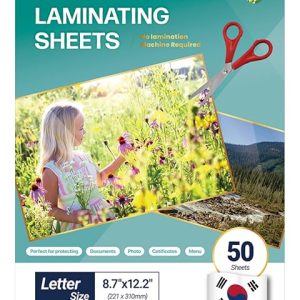

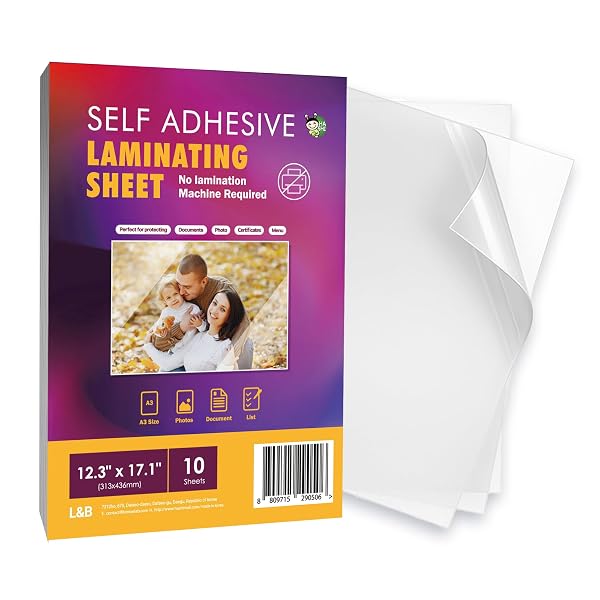
HA SHI Self-Adhesive Laminating Sheets – No Heat, No Machine, 4 Mil, Multiple Sizes & Pack Counts

Price range: $7.35 through $27.85
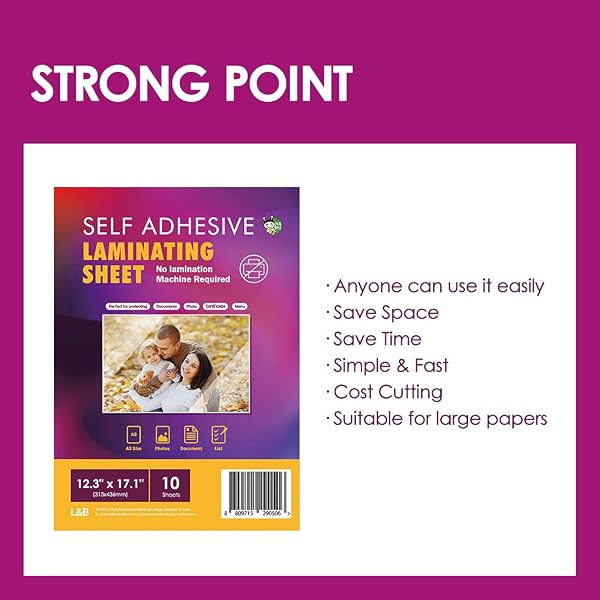
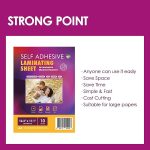
Protect photos, documents, menus, cards and everyday projects with HA SHI Self-Adhesive Laminating Sheets. Simply peel, position and press—no heat or laminating machine required.
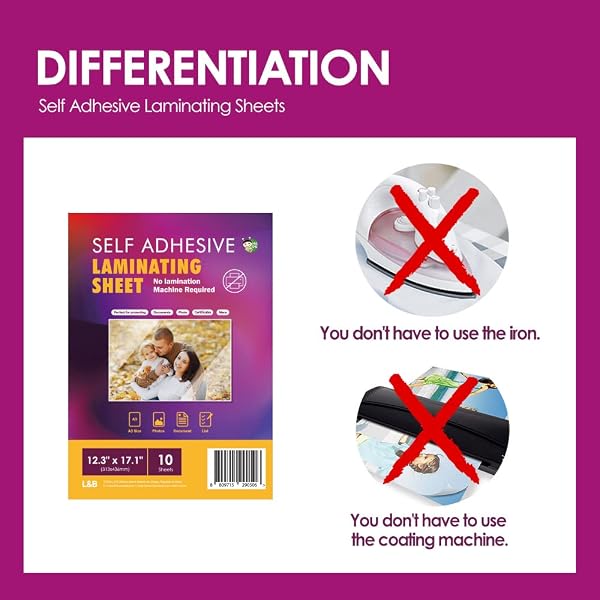
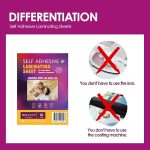
NO HEAT OR MACHINE REQUIRED
Apply by hand without a laminator, electricity or heat source.
CLEAR 4 MIL FILM
A clear glossy surface helps keep printed text, photos and graphics easy to see.
PEEL, PLACE & PRESS
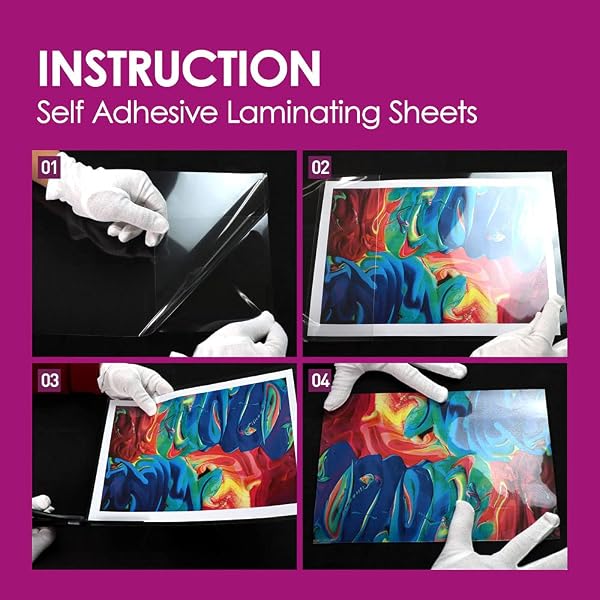
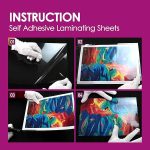
Remove the liner, position your item on the adhesive side and smooth from the center outward.
MULTIPLE SIZES & PACK COUNTS
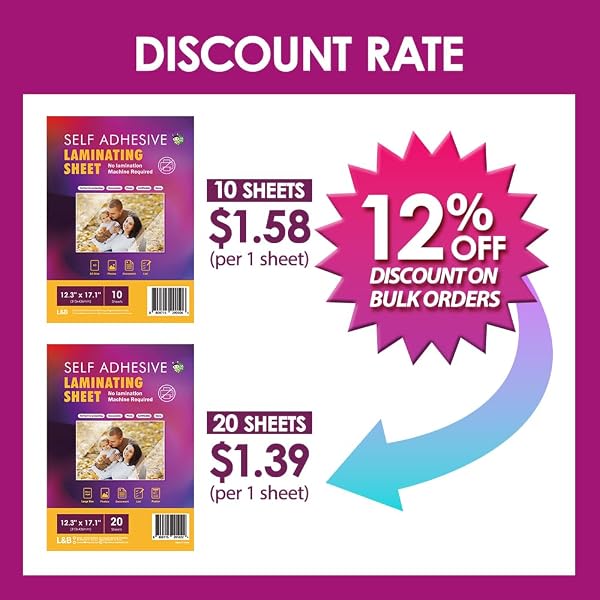
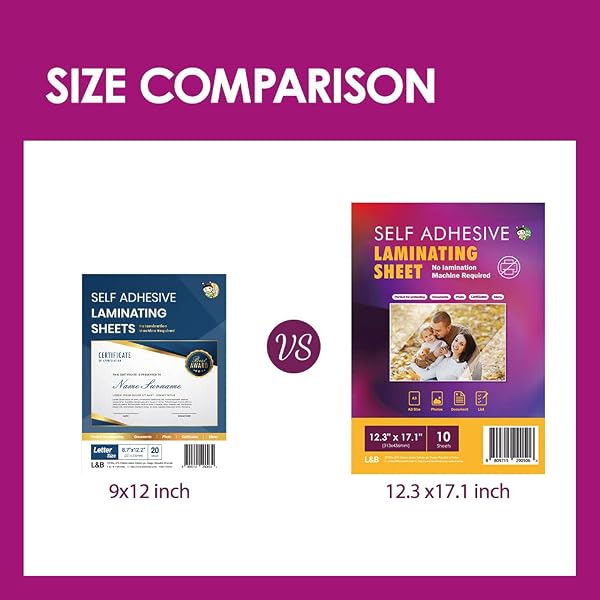
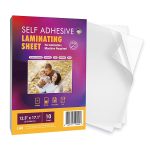
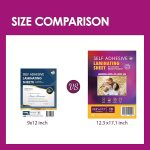
Choose Photo, Letter or Menu formats with pack counts from 10 to 100 sheets.
FOR HOME, SCHOOL & BUSINESS
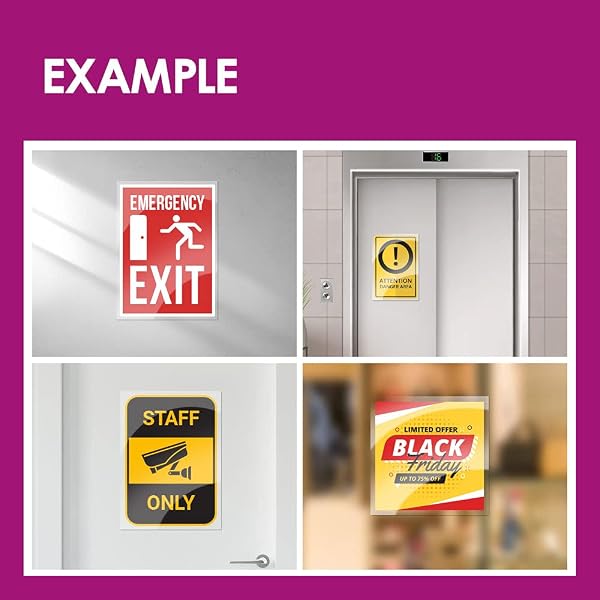
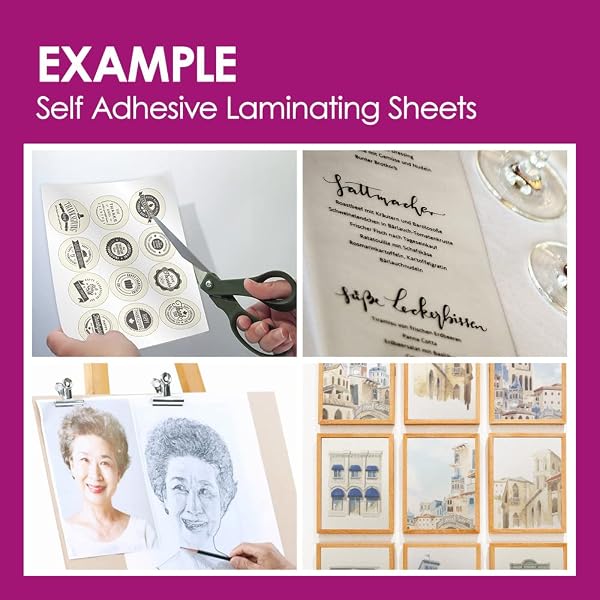
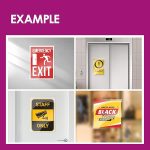
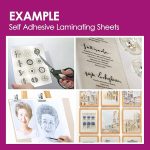
Useful for photos, ID cards, recipes, certificates, worksheets, menus, signs, maps and more.
Easy Lamination Without Heat or a Machine
HA SHI Self-Adhesive Laminating Sheets offer a simple way to protect everyday printed materials without using a laminating machine, electrical power or heat. Peel away the backing, position your item on the adhesive surface and press it smoothly into place.
The single-sided 4 mil clear film is designed for convenient cold lamination at home, school, the office, retail environments and on the go.
Choose the Right Size for Your Project
This product family includes Photo, Letter and Menu size formats with several pack-count options, allowing you to choose the version that best matches your project and usage frequency.
- Photo Size: Ideal for standard photos, small cards, IDs and compact paper projects.
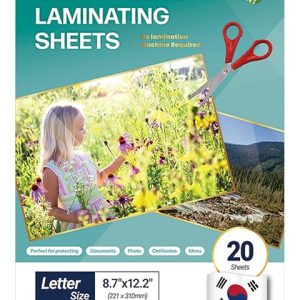
- Letter Size: Designed for standard letter-size documents, worksheets, certificates, recipes and office materials.
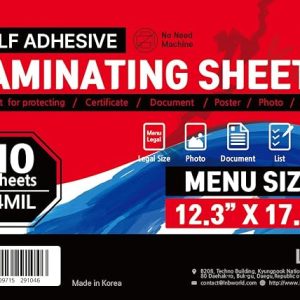
- Menu Size: A larger format suited for menus, signs, maps, posters, charts and oversized printed materials.
Clear 4 Mil Protection
The clear glossy surface helps preserve visibility of printed text, photos and graphics while adding a protective layer against everyday handling, fingerprints, smudges and light spills.
Because each sheet is adhesive on one side, it can be used as a single protective layer. When both sides of an item need coverage, a second sheet may be applied to the reverse side.
Simple Peel-and-Press Application
For best results, lift the liner gradually rather than removing it all at once. Position the document carefully, then smooth the sheet from the center toward the edges using your hand or a flat card edge to help push out trapped air.
Excess film can be trimmed with scissors after application, making the sheets useful for both full-size pages and smaller custom projects.
Everyday Uses
- Photos and keepsakes
- ID cards and name cards
- Recipe cards
- Bookmarks and labels
- School worksheets and projects
- Certificates and reference sheets
- Restaurant menus
- Event signs and posters
- Maps and charts
- Office and classroom materials
Made for Flexible Everyday Protection
Whether you need a few sheets for an occasional project or a larger pack for regular classroom, office or business use, HA SHI offers multiple sizes and quantities within one convenient product family.
Product Details
| Brand | HA SHI |
|---|---|
| Product Type | Self-Adhesive / Self-Sealing Laminating Sheets |
| Application | Cold lamination — no heat required |
| Laminating Machine | Not required |
| Film Thickness | 4 mil |
| Finish | Clear glossy |
| Adhesive | Single-sided adhesive film |
| Application Method | Peel, position, press and trim as needed |
| Available Formats | Photo Size, Letter Size and Menu Size |
| Pack Options | 10, 15, 20, 25, 30, 50 and 100 sheet configurations depending on size |
| Country of Manufacture | Korea |
How It Works
-
Choose the right sheet size.
Select Photo, Letter or Menu Size based on the item you want to protect. -
Peel back a small section of the liner.
Avoid removing the entire backing at once, especially on larger sheets. -
Position your document or photo.
Align the item carefully on the adhesive side before applying full pressure. -
Press from the center outward.
Use your hand or a flat card edge to help push trapped air toward the edges. -
Trim if needed.
Cut away excess film with scissors to create the desired border or finished size. -
Add a second sheet when needed.
Because each sheet is adhesive on one side, use a second sheet on the back when you want both sides covered.
KDailyLife Tips
-
Start with one edge.
Peel only a small portion of the backing first so you can adjust alignment before the entire adhesive surface makes contact. -
Use a flat surface.
Applying the sheet on a clean, flat table makes it easier to keep larger documents aligned. -
Work from the center outward.
A plastic card or similar flat edge can help press out trapped air. -
Leave a sealing border.
For documents and photos, leaving a small clear margin around the item can provide a cleaner finished edge. -
Choose the format before trimming.
Use Photo Size for smaller projects, Letter Size for everyday documents and Menu Size when you need oversized coverage.
Care & Use
- Apply to clean, dry and flat paper or photo surfaces.
- Remove dust, debris and moisture before applying the adhesive sheet.
- Align carefully before pressing firmly because repositioning may become difficult after full contact.
- For larger sheets, peel the backing gradually while smoothing the film from the center outward.
- Trim excess film with scissors when a smaller finished size is needed.
- Store unused sheets flat in a clean, dry location.
- Keep the protective liner in place until the sheet is ready to be used.
- Test first when applying to unusual printed surfaces or materials.
Frequently Asked Questions
Q
Do I need a laminating machine or heat?
A
No. These are self-adhesive cold laminating sheets. Peel away the liner, position your item on the adhesive side and press it into place by hand.
Q
Which size should I choose?
A
Choose Photo Size for photos, cards and smaller projects; Letter Size for standard documents, worksheets and certificates; and Menu Size for larger materials such as menus, signs, maps, charts and posters.
Q
Are the sheets adhesive on both sides?
A
Each sheet has adhesive on one side. If you want to cover both the front and back of an item, use a second sheet on the opposite side.
Q
Can I trim the sheets to a smaller size?
A
Yes. The sheets can be trimmed with scissors, making them useful for documents, photos, cards, labels, bookmarks and other custom-size projects.
Q
How can I reduce air bubbles during application?
A
Peel the liner gradually rather than removing it all at once. Press from the center toward the edges with your hand or a flat card edge to help move trapped air outward.
Q
What can I laminate with these sheets?
A
They can be used for many paper-based items including photos, ID cards, recipe cards, certificates, worksheets, menus, maps, signs, posters and other everyday printed materials.
View marketplace customer feedback for this product on Amazon.
Related products
More Products-
 Select options This product has multiple variants. The options may be chosen on the product page
VIOLETTO Self Adhesive Laminating Sheets, No-Machine Needed, QuickPeel, Instashield, Stick&GO
Price range: $7.85 through $27.85 -
 Select options This product has multiple variants. The options may be chosen on the product page
No Heat Laminating Sheets Self Sealing 20, 50, 100 Pack, 4mil Thickness, No Machine Self Adhesive Laminating Sheets by HA SHI
Price range: $8.85 through $21.85